Skin Changer
Unlock cosmetics locally

At a glance
Key capabilities
What Skin Changer focuses on before you open the full module list.
Plus 7 additional modules in the operator portal—see the full list below.
Overview
Built around a local cosmetic preview workflow
How this build fits ranked, Turbo, and patch-day workflows.
Unlock All lets you browse legend skins, heirlooms and banner cosmetics locally in Apex Legends—searchable catalog, favorites, and loadout export without modifying live store purchases.
Cosmetics display on your client for testing and content creation. Other players see your actual inventory, not preview skins. Included free with Elite; available standalone for cosmetic preview without combat modules.
Local preview only
Cosmetics display on your client for testing and content creation. Other players in your lobby see your actual inventory, not preview skins.
Included with Elite
Skin Changer ships inside the Elite tier. Buy standalone here if you want cosmetic preview without full combat modules.
Modules
What's included
Every module and overlay shipped with Skin Changer—toggle and tune in the operator portal.
- Legend skin swap
- Heirloom & banner preview
- Weapon & charm customizer
- Loading screen editor
- Crosshair & HUD theme
- Holospray & quip replacer
- Favorites list
- Loadout export
Experience
In the client · After you buy
Use the screenshots above for Skin Changer—below is what each layer means and how access works after checkout.
In-game layers
- Layer A
Cosmetic preview
Local outfit and weapon skin preview—client-side only.
- Layer B
Legend ESP
Name tags, team colors and distance markers through obscured sight.
- Layer C
Map awareness
Legend position readouts and map overlay during a contested zone.
Guides
Learn more about Skin Changer
Curated articles for setup, tuning, and patch-day checks that match this product.
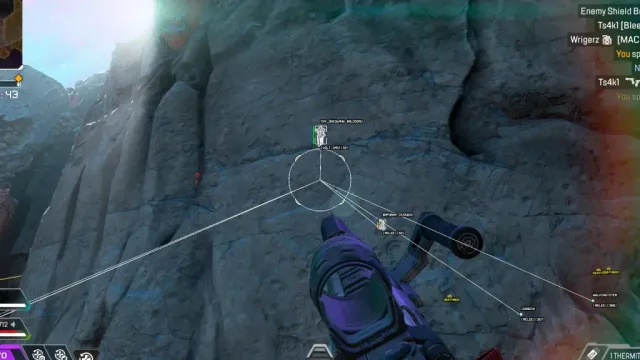
How “bundles” map to Lite, Pro, Elite and optional utilities on the same hub.
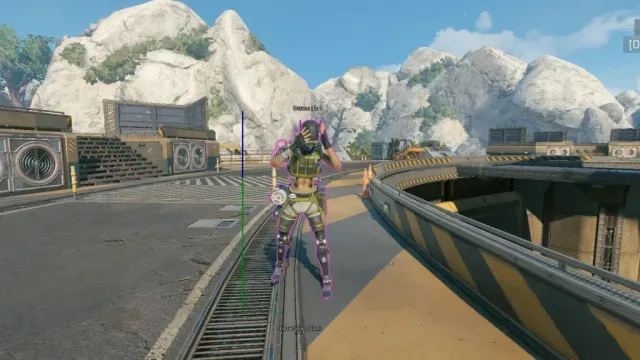
Decision paths between Lite, Pro, Elite and utilities—links to comparisons and FAQs.
Side-by-side look at Lite, Pro, Elite and utilities—using the same module lists as the product pages.

What this site shows about pricing and plans—and what you confirm only at checkout.

A practical buying guide: match goals to tiers, verify status, and use official pages—not forum rumors.
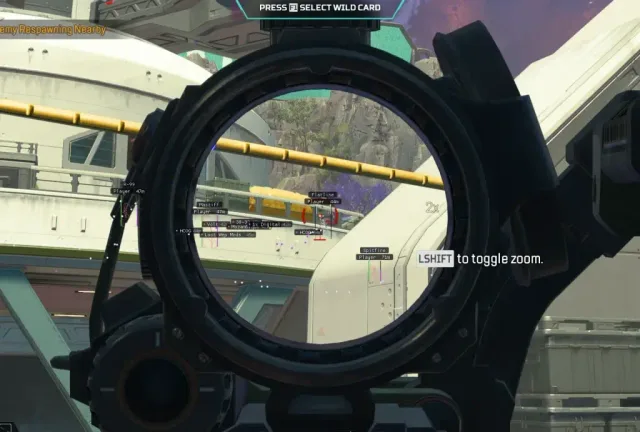
How aim assist and script modules are described on Pro and Elite—without inventing slider values or prices.
FAQ
Questions about this page
Answers tied to what you are reading—visit the FAQ page for every topic.