UGC
Unban & governance control

At a glance
Key capabilities
What UGC focuses on before you open the full module list.
Plus 6 additional modules in the operator portal—see the full list below.
Overview
Built around account recovery and appeal workflows
How this build fits ranked, Turbo, and patch-day workflows.
UGC (Unban & Governance Control) helps you recover restricted gaming, social and marketplace accounts with structured appeal workflows and automation—not instant unban guarantees.
Build custom dispute paths, track case status and rebuild your presence with smart restriction-management tools. Support walks you through each step via Discord when you need hands-on help.
What UGC covers
UGC (Unban & Governance Control) is an appeal workspace for EA or Steam restrictions, anti-cheat bans, trade holds and security flags. Build custom workflows, automate dispute steps and track case status from one dashboard—not a guaranteed unban service.
Realistic expectations
Some anti-cheat bans cannot be reversed. UGC organizes evidence and follow-ups for platform review. Pair with [HWID Spoofer](/products/apex-legends-cheats/hwid-spoofer/) when hardware is flagged, or a new account when reputation is burned.
Modules
What's included
Every module and overlay shipped with UGC—toggle and tune in the operator portal.
- Custom appeal workflows
- Restriction dispute automation
- Case documentation templates
- Status tracking dashboard
- Identity verification guide
- Evidence upload structure
- Timeline tracker
- Follow-up response templates
- Multi-platform support
Experience
In the client · After you buy
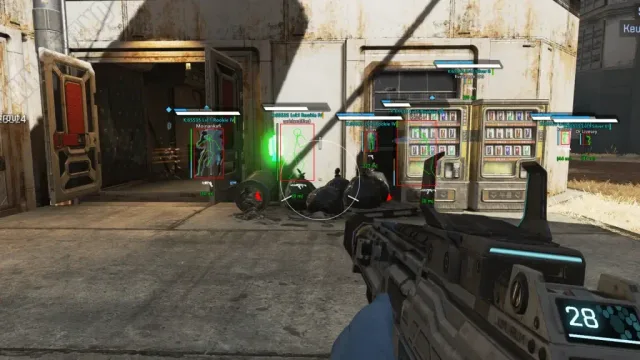
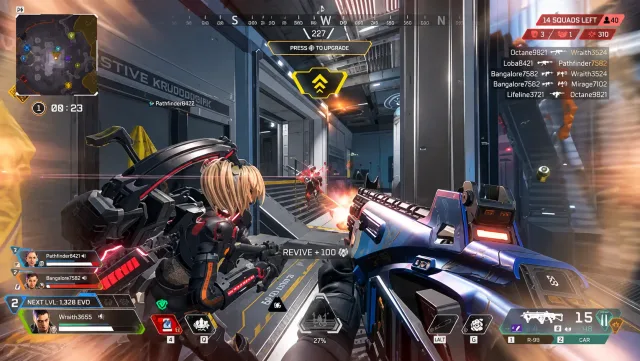
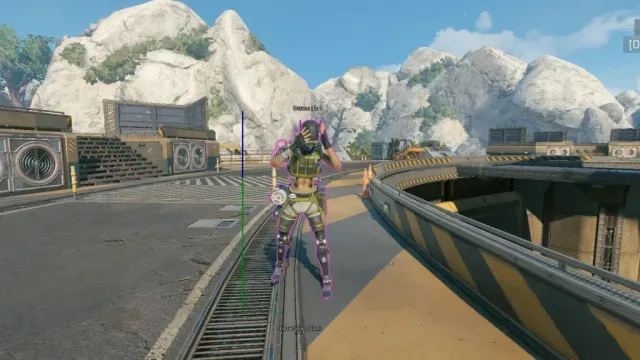
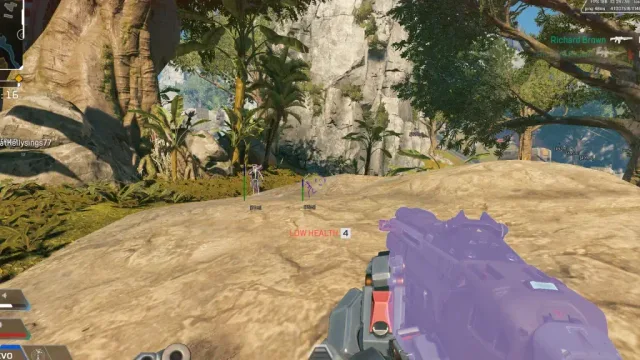
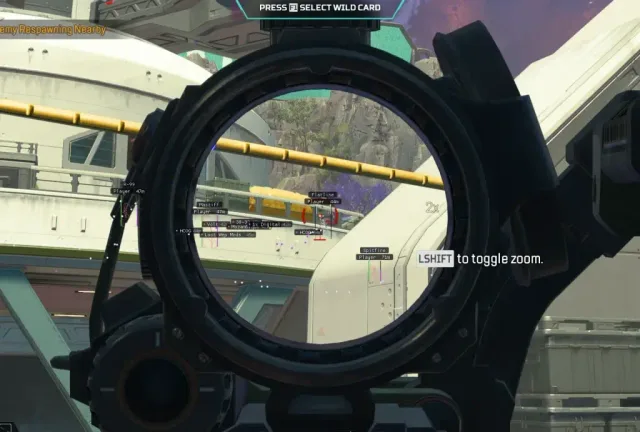
Use the screenshots above for UGC—below is what each layer means and how access works after checkout.
In-game layers
- Layer A
Map awareness
Legend position readouts and map overlay during a contested zone.
- Layer B
Legend ESP
Name tags, team colors and distance markers through obscured sight.
- Layer C
Extended view
Wider camera context for rotations and third-party awareness.
Guides
Learn more about UGC
Curated articles for setup, tuning, and patch-day checks that match this product.
Windows, Steam, EA app and patch expectations straight from the product requirement blocks.
What the site states about checkout, portal delivery and support—aligned with Terms & Conditions.
Side-by-side look at Lite, Pro, Elite and utilities—using the same module lists as the product pages.
What this site shows about pricing and plans—and what you confirm only at checkout.
A practical buying guide: match goals to tiers, verify status, and use official pages—not forum rumors.
How aim assist and script modules are described on Pro and Elite—without inventing slider values or prices.
FAQ
Questions about this page
Answers tied to what you are reading—visit the FAQ page for every topic.