HWID Spoofer
Clean slate for your PC

At a glance
Key capabilities
What HWID Spoofer focuses on before you open the full module list.
Plus 9 additional modules in the operator portal—see the full list below.
Overview
Built around a clear hardware recovery workflow
How this build fits ranked, Turbo, and patch-day workflows.
The HWID Spoofer helps Apex Legends players recover when anti-cheat flags PC hardware but the game account is still clean. Disk and MAC profile tools ship with a restore-point checklist, compatibility scan, and post-spoof verification steps.
Use this path when fresh accounts fail instantly on one machine but work elsewhere—not for account-only bans. After spoof, load a conservative cheat profile from apexlegendcheats.com before queuing ranked.
When you need it
Use when fresh accounts fail instantly on one PC but work elsewhere—classic HWID enforcement. Do not use for account-only bans; see [UGC](/products/apex-legends-cheats/ugc/) instead.
Full workflow
Restore point, driver cleanup, spoof application, cold reboot, identifier verification, then conservative cheat profile before ranked. Full checklist ships in the portal and in our HWID blog guide.
Modules
What's included
Every module and overlay shipped with HWID Spoofer—toggle and tune in the operator portal.
- Disk serial profile tools
- MAC address rotation
- Restore point checklist
- Compatibility scan
- Driver conflict detection
- Post-spoof verification
- Identifier diff report
- Cold reboot guide
- Portal step-by-step workflow
- Discord recovery support
Experience
In the client · After you buy
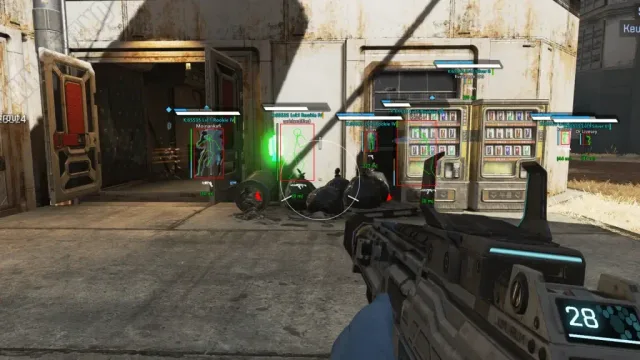
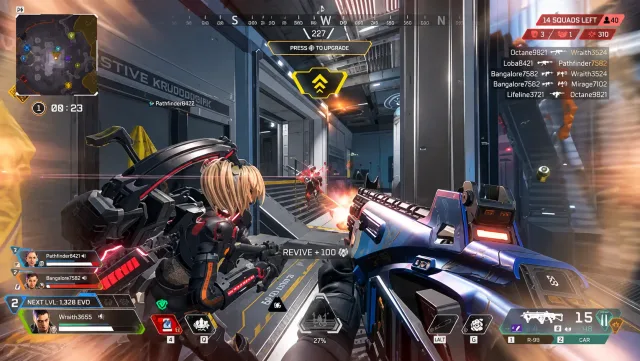
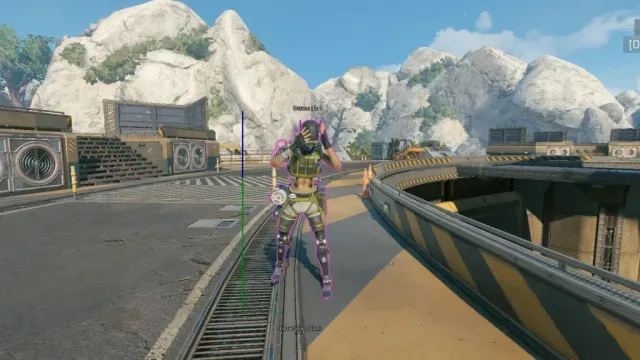
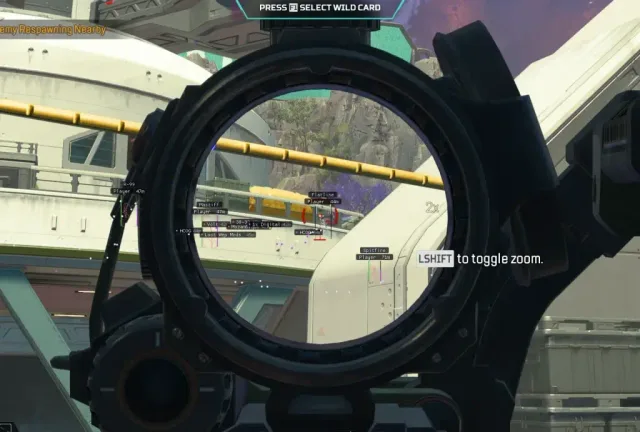
Use the screenshots above for HWID Spoofer—below is what each layer means and how access works after checkout.
In-game layers
- Layer A
Serial panel
Review disk and adapter identifiers in the portal before applying changes.
- Layer B
Disk profile
Rotate hardware profiles after a restore point and compatibility scan.
- Layer C
Verification
Cold reboot checklist confirms identifiers before launching Apex again.
Guides
Learn more about HWID Spoofer
Curated articles for setup, tuning, and patch-day checks that match this product.
Windows, Steam, EA app and patch expectations straight from the product requirement blocks.
What the site states about checkout, portal delivery and support—aligned with Terms & Conditions.
Side-by-side look at Lite, Pro, Elite and utilities—using the same module lists as the product pages.

What this site shows about pricing and plans—and what you confirm only at checkout.
A practical buying guide: match goals to tiers, verify status, and use official pages—not forum rumors.
How aim assist and script modules are described on Pro and Elite—without inventing slider values or prices.
FAQ
Questions about this page
Answers tied to what you are reading—visit the FAQ page for every topic.